 Imogen Pro
Get Imogen Pro
Press kit
Imogen Pro is a Mac app for creating AI images and video with the latest models, organized like Photos in ordinary Finder folders.
Press contact: Tim Shim, press@imogenpro.com
Fact sheet
| App name | Imogen Pro |
|---|---|
| What it is | A Mac app for creating AI images and video with the latest models, organized like Photos in ordinary Finder folders. |
| Price | Free to download, with 100 free generations. Then Imogen Pro Monthly (US$29 a month), Yearly (US$239 a year) or Lifetime (US$699, one-time). Launch offer until 31 December 2026: $19 a month for the first 12 months, $169 for the first year, or $499 for Lifetime. Prices vary by country. AI providers bill users directly at their own prices; Imogen Pro adds no markup. The library, search, tagging and on-device upscaling are always free. |
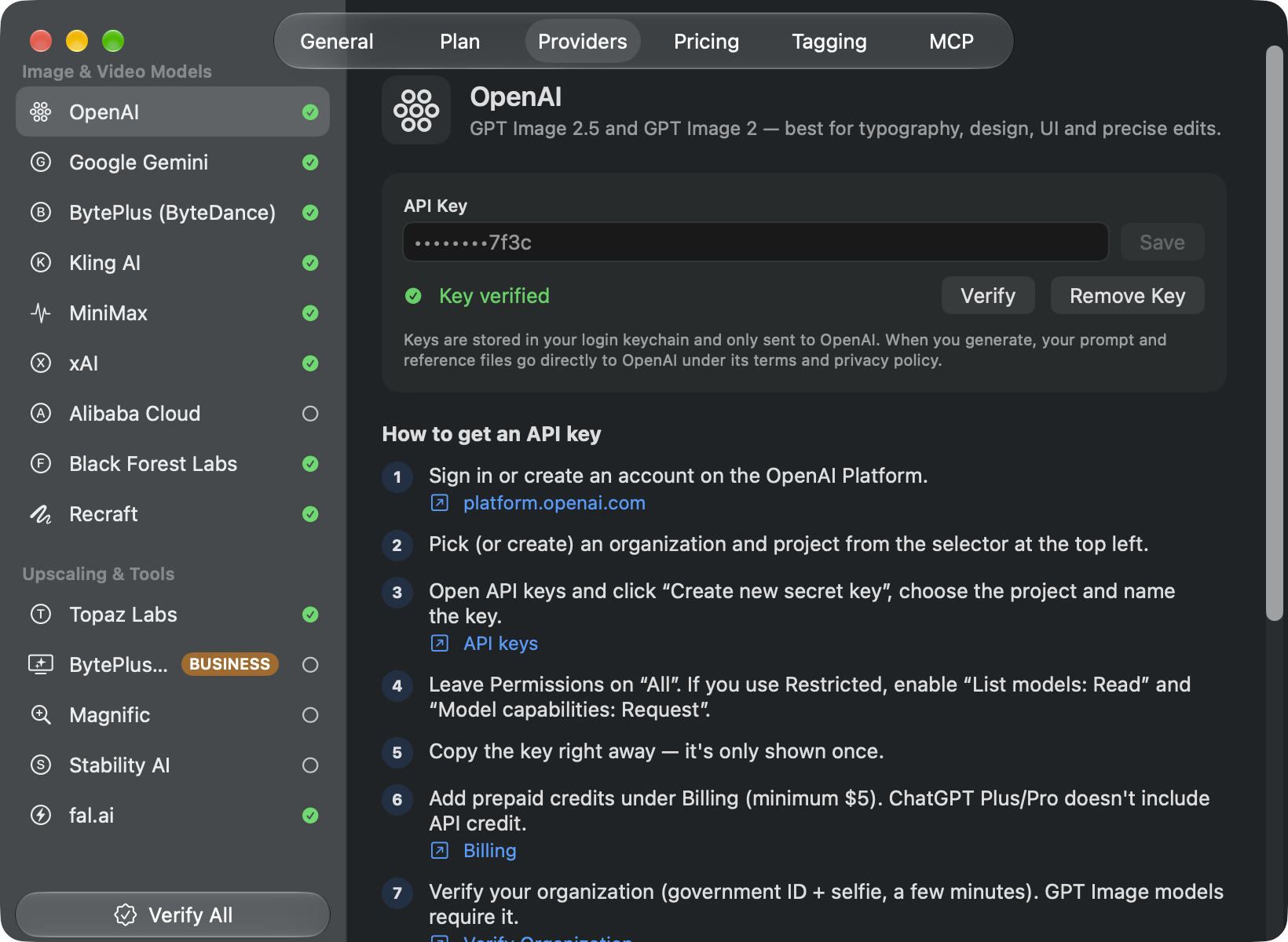
| To generate | An API key from at least one provider, such as OpenAI or Google. The app has a step-by-step guide for each. The library and on-device tools work without one. |
| Platform | Mac, macOS 26 or later. Apple Intelligence tagging needs a Mac with Apple Intelligence and macOS 27. |
| Released | 27 October 2026, on the Mac App Store |
| Developer | AI OR DIE (Tim Shim), Singapore |
| App Store | apps.apple.com/us/app/imogen-pro/id6820103276 |
| Website | imogenpro.com |
About Imogen Pro
Imogen Pro is a native Mac studio for AI images and video, made for creators, agencies and production teams. It looks and works like Photos, keeps everything in ordinary Finder folders, and generates with the latest models from OpenAI, Google, Kling, ByteDance, Black Forest Labs and others through each provider's official API, using the user's own keys with no markup. It's free to download with 100 free generations, then $29 a month, $239 a year or $699 once.
The story
New image and video models arrive every few weeks, and the best of them are spread across a dozen providers. Creators juggle browser tabs and credit systems that hide what each generation really costs, and end up with downloads folders full of files that have lost the prompt and settings that made them.
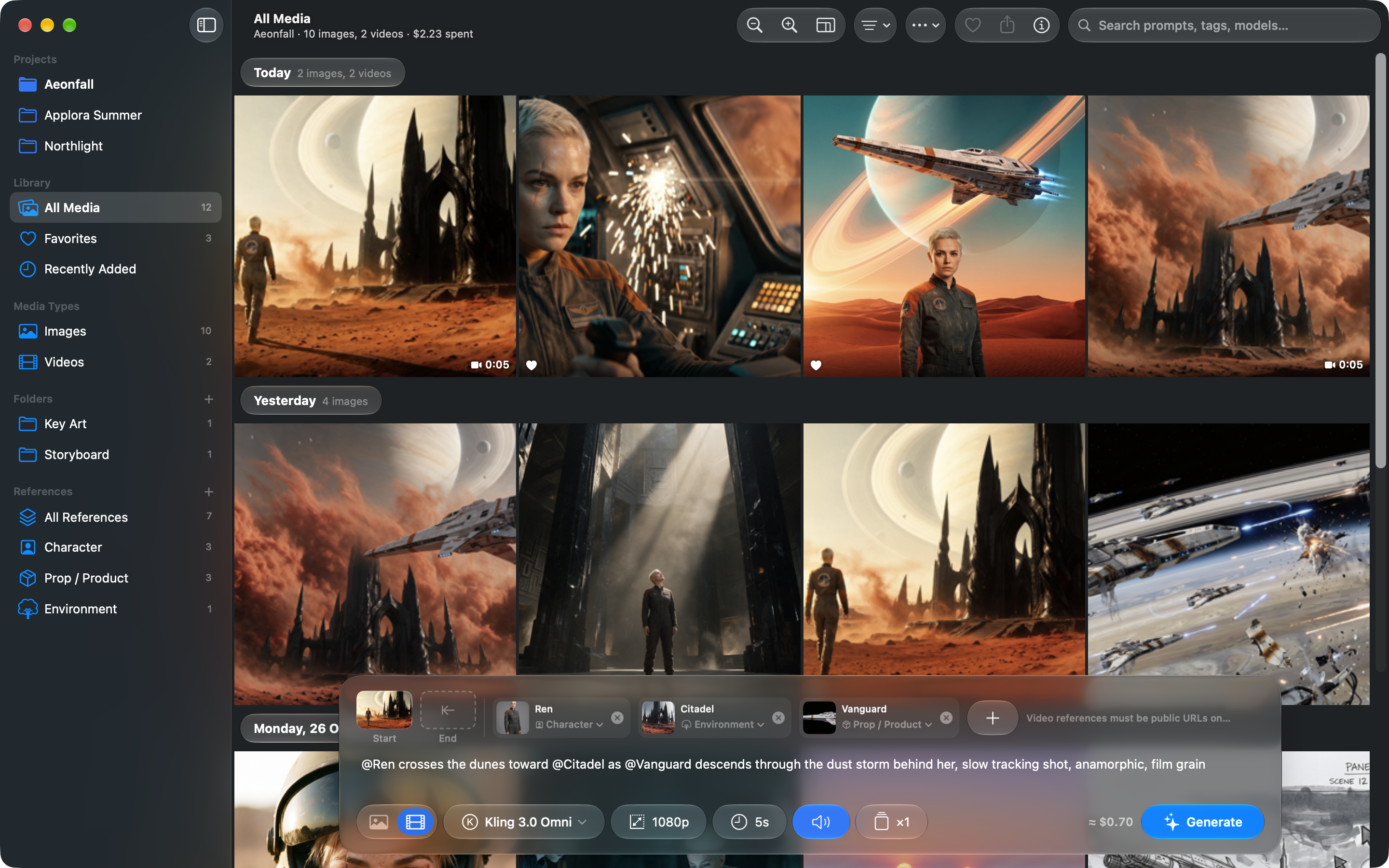
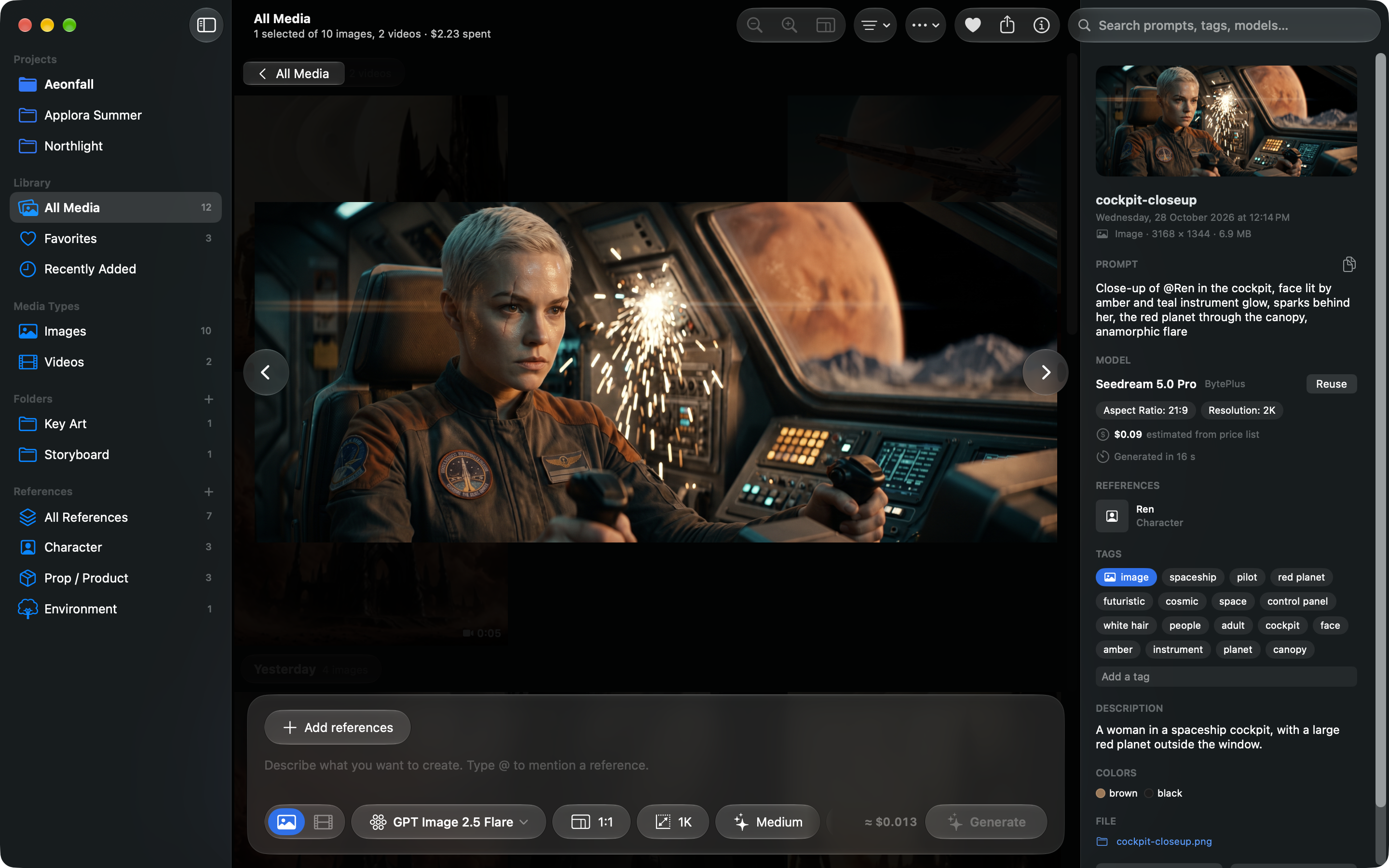
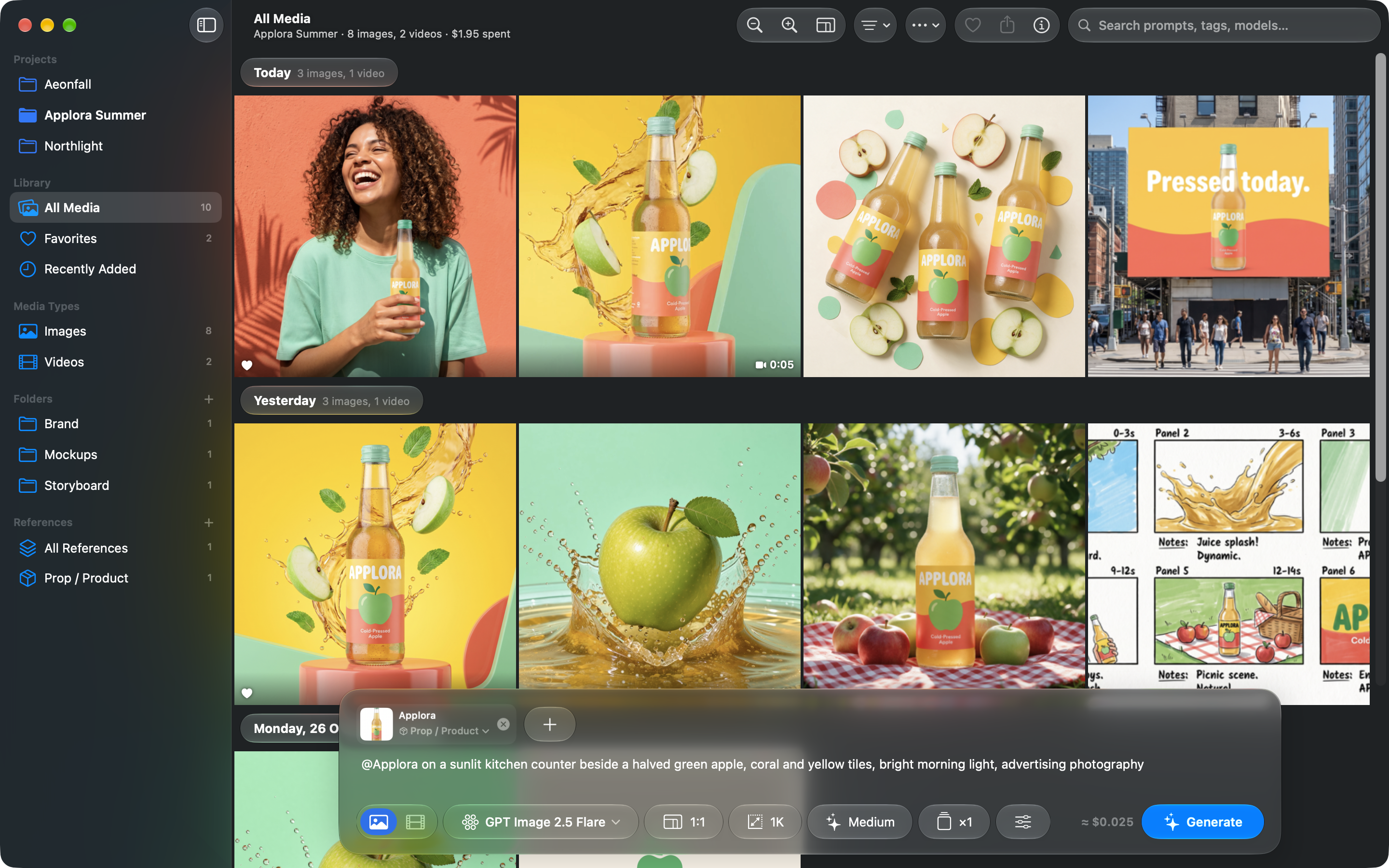
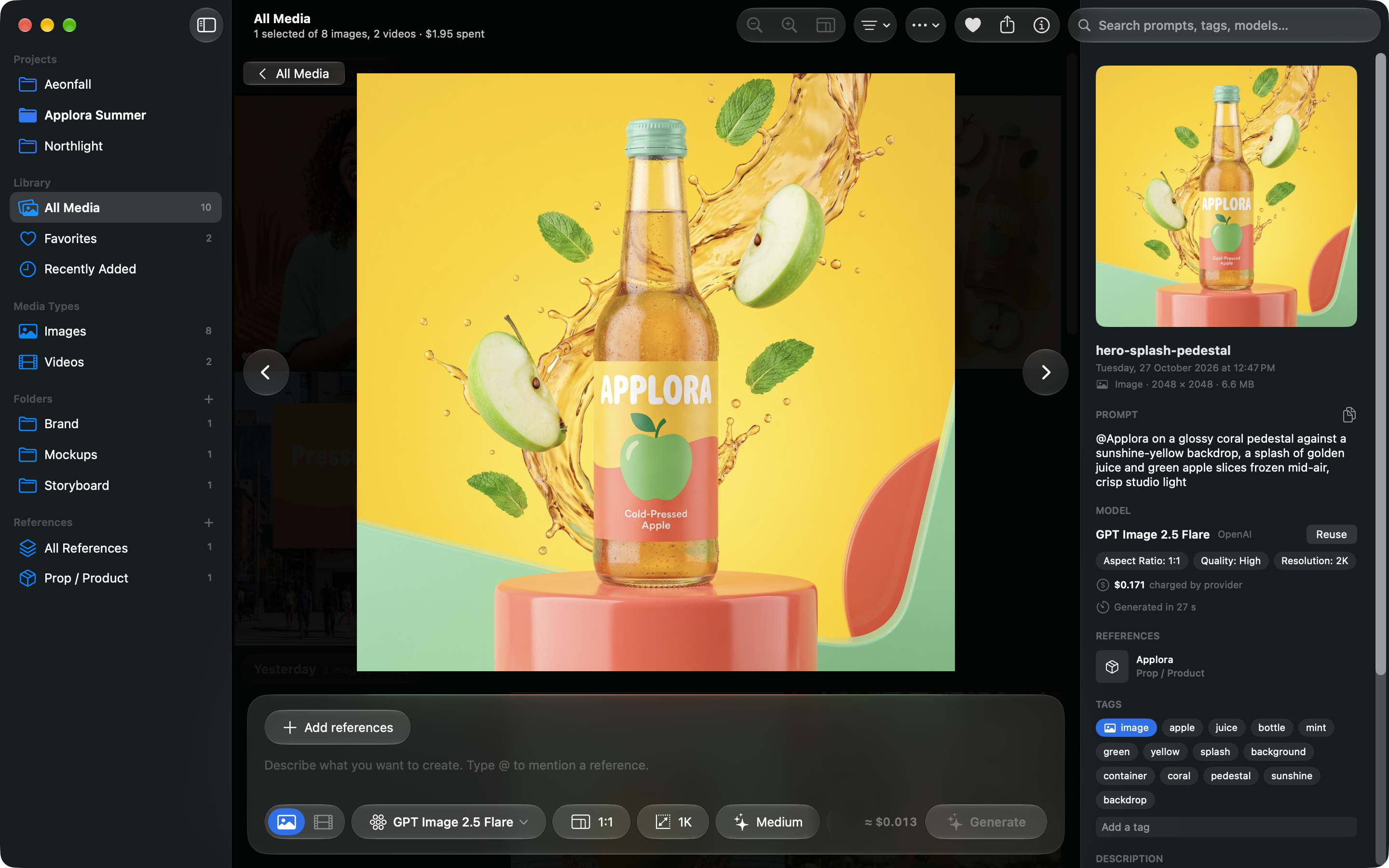
Imogen Pro brings those models into one Mac app that feels like Photos. Projects and albums sit in the sidebar, results fill a grid grouped by day, and favorites, Quick Look, the Info inspector and pinch to zoom work the way Mac users expect. Underneath, every project is an ordinary folder in Finder and every result an ordinary image or video file, so work moves straight into editing apps, backups and shared drives. Each file keeps its prompt, model, settings and cost, so any shot can be reproduced or taken further.
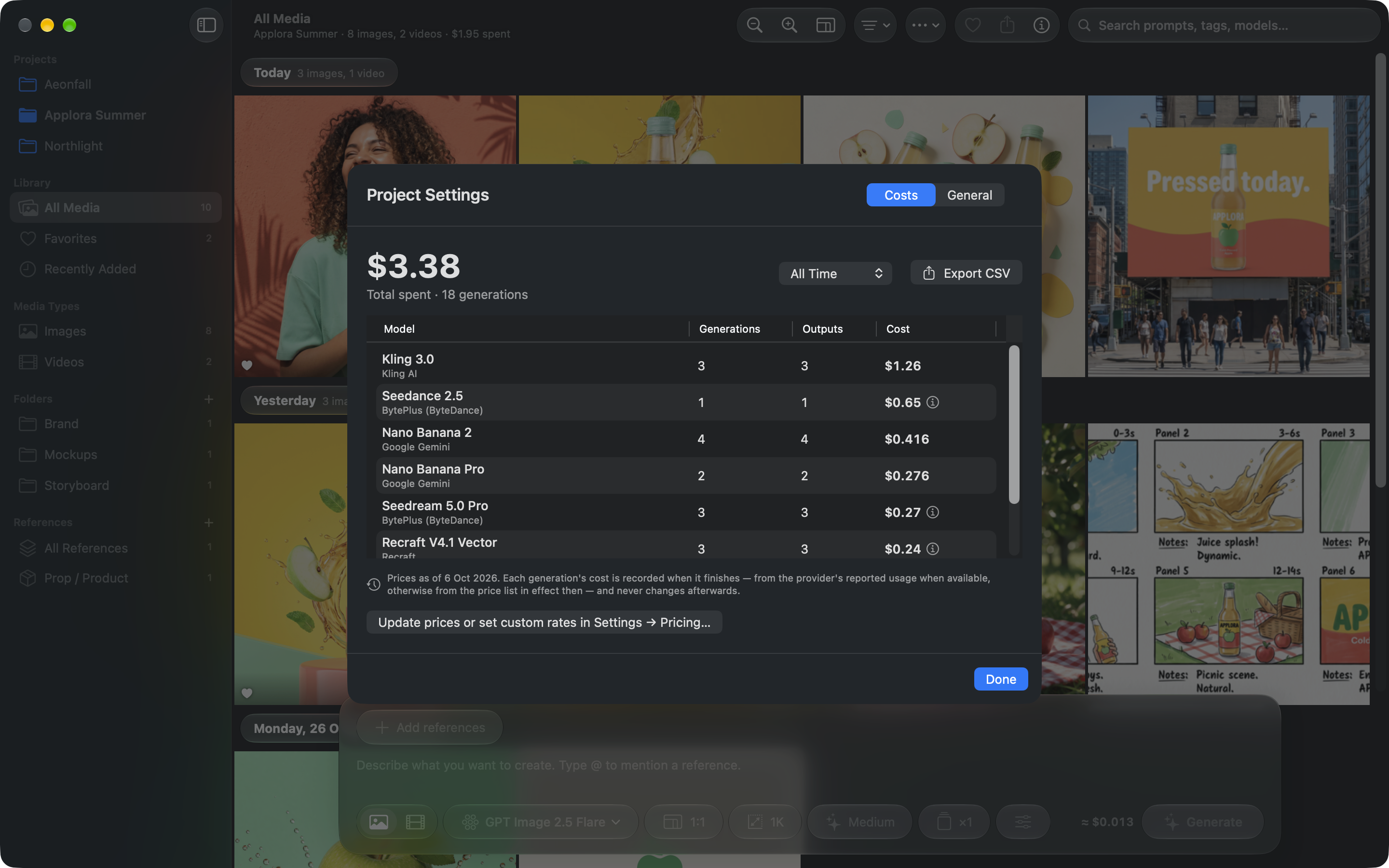
Users connect their own accounts with OpenAI, Google, Kling, ByteDance, Black Forest Labs and others. Imogen Pro calls each provider's official API directly, estimates the cost before each generation and records what it actually cost afterwards, project by project, for budgets and client billing. There's no account to sign up for and no tracking: prompts and files go only to the providers the user chooses, and API keys stay in the Mac's Keychain.
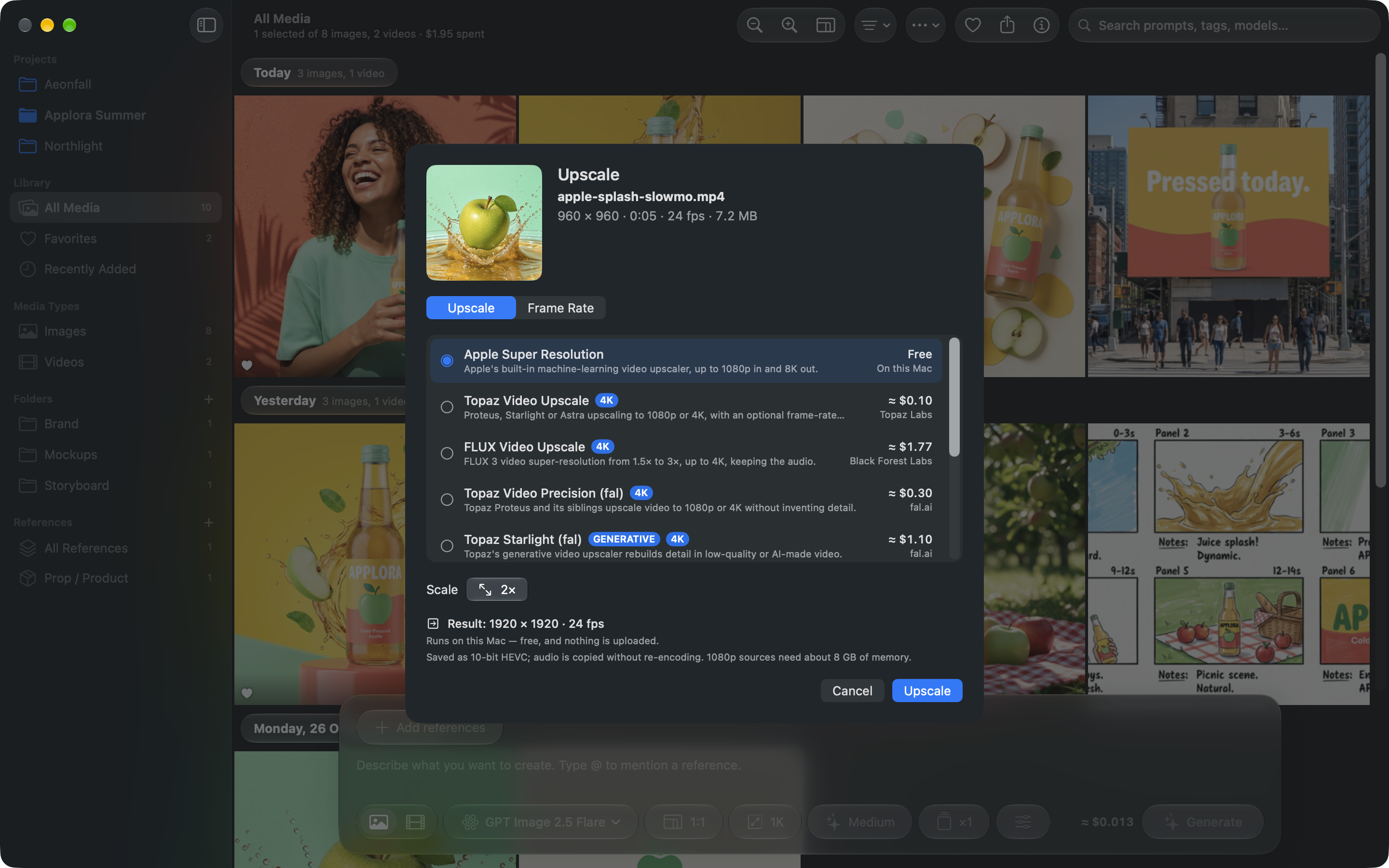
It's built with SwiftUI and Liquid Glass, tags media on the Mac with Apple Intelligence and Vision so the library can be searched by what's in each image, and includes Apple's on-device super resolution and frame interpolation for free.
Key features
- Imogen Pro looks and works like Photos, with projects and albums in the sidebar and results grouped by day.
- Every project is an ordinary Finder folder, and every result is a standard image or video file that remembers its prompt, model, settings and cost.
- It generates images and video with the latest models from OpenAI, Google, Kling, ByteDance, Black Forest Labs and more, using the user's own API keys with no markup.
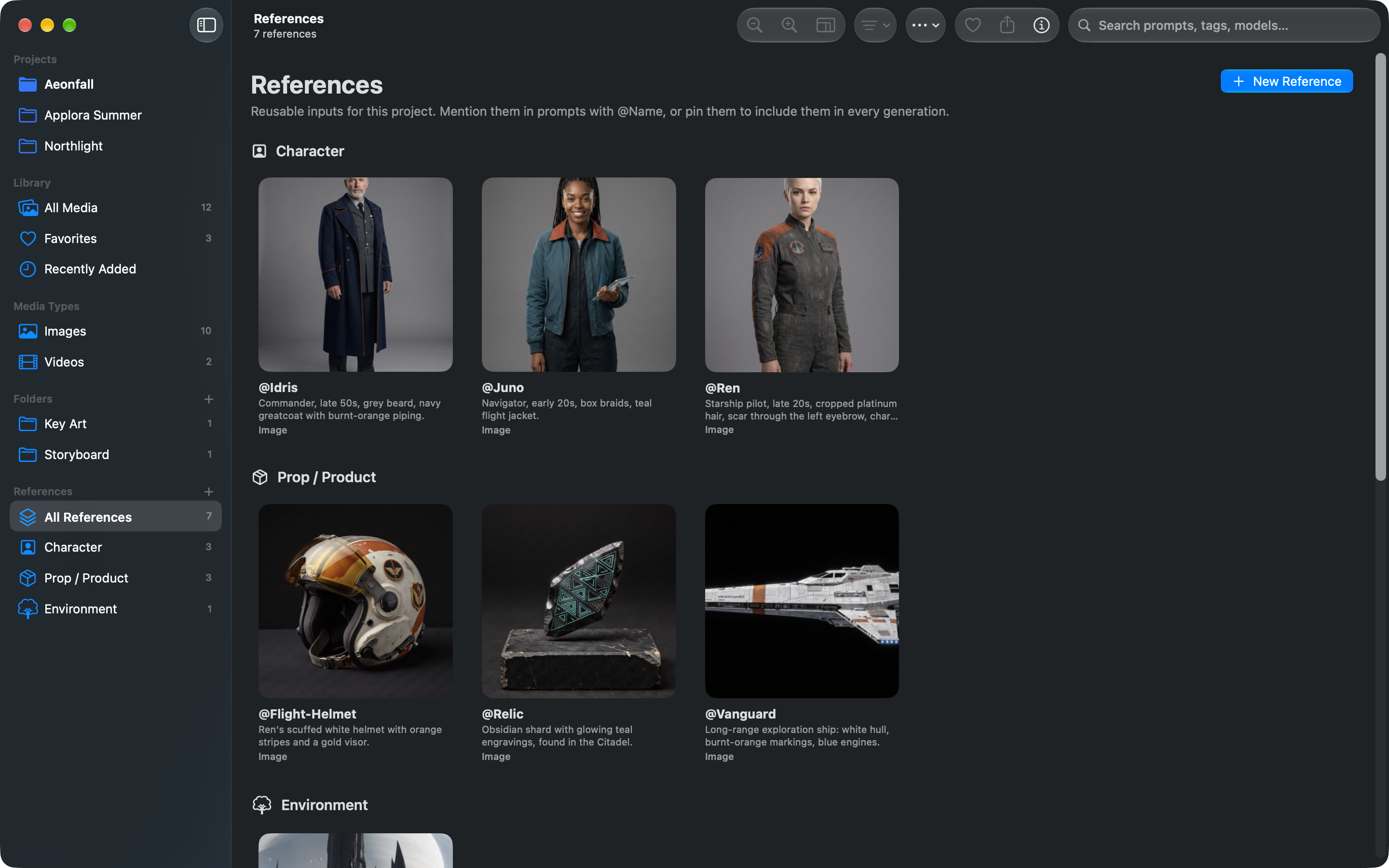
- Saved characters, products and places can be mentioned in any prompt as @Name, keeping a look consistent from shot to shot.
- Each project keeps a ledger of what every generation cost, with CSV export for client billing.
- Media is tagged on the Mac with Apple Intelligence and Vision, and Apple's on-device super resolution upscales images and video for free.
Screenshots
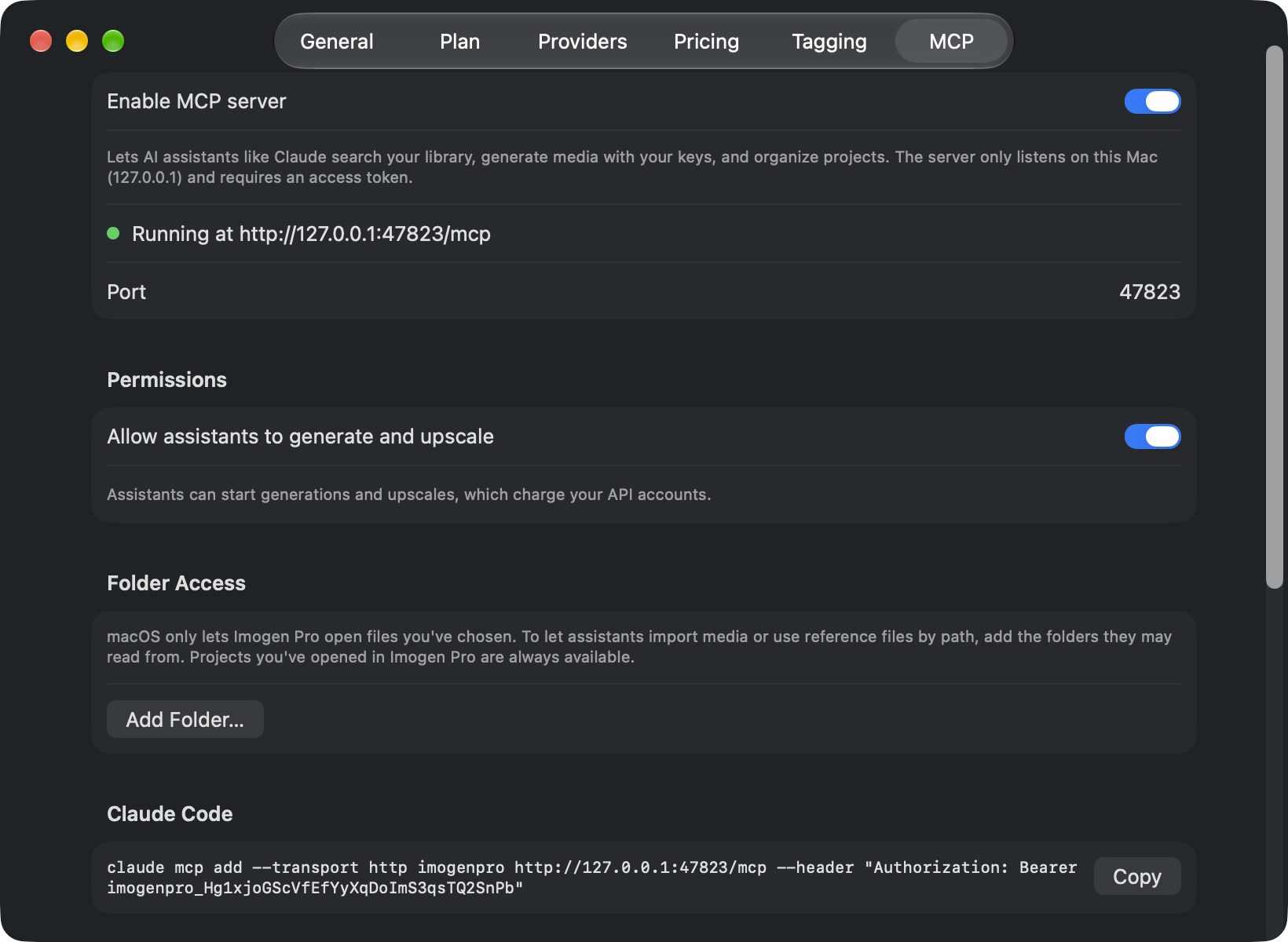
Window captures with no frames or captions: 2880 × 1800 pixels, and 1640 × 1200 for Settings. Open one for the full-size PNG; all of them are in the ZIP.
App icon


About the developer
Imogen Pro is made by Tim Shim at AI OR DIE, an independent studio in Singapore that also makes Pasta, an AI personal trainer for iPhone.
Press contact
Tim Shim, press@imogenpro.com. Questions, interviews and anything else you need for a story.